Shades chosen for you
Millions of pixel colours become a handful of paint groups. You stop squinting at two patches wondering which is darker — the decision is made, and measured.
The colour mapping studio for oil painters
Turn your reference photo into an oil painting colour map. Discover every shade, where it belongs, and how to mix it from your own paints.
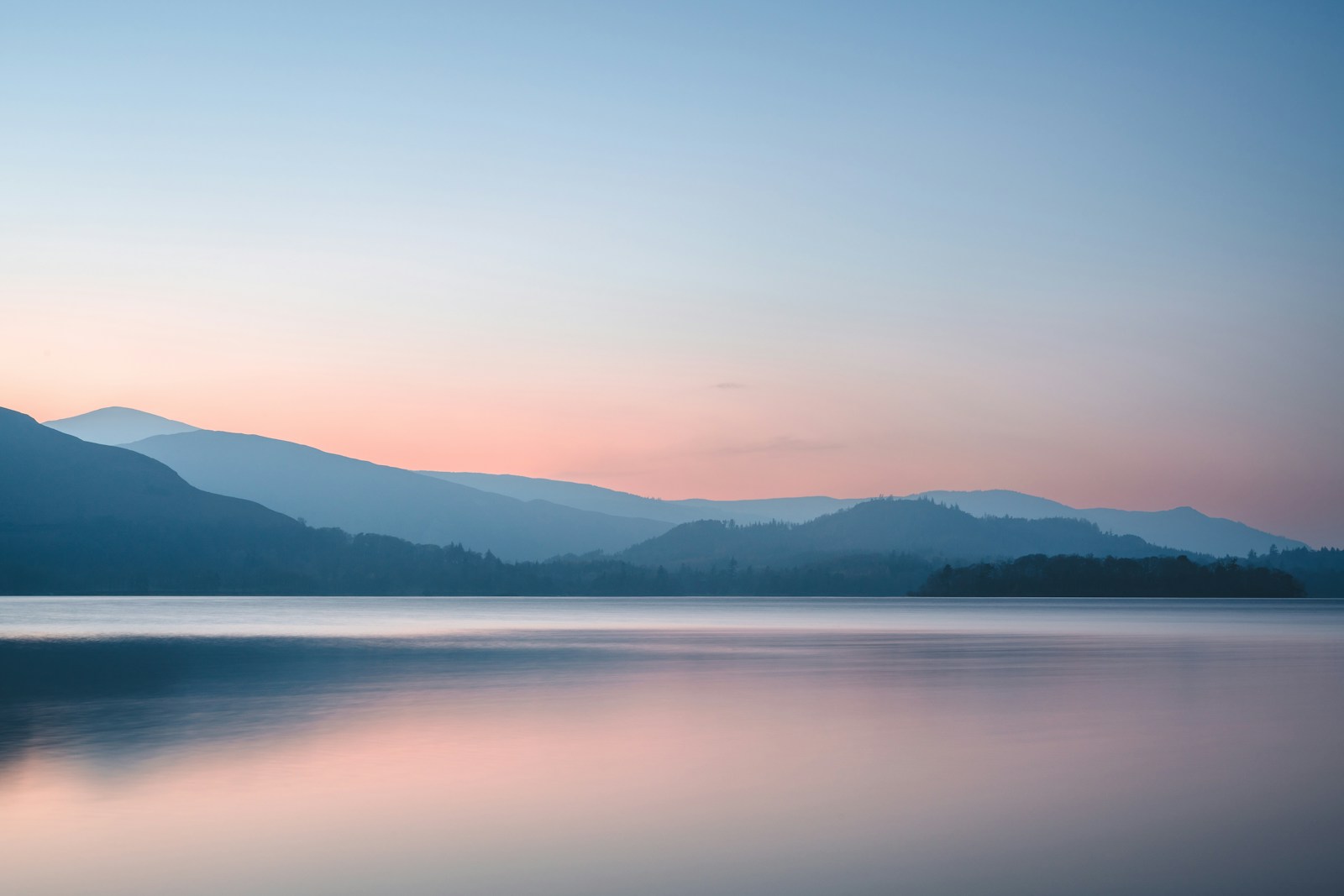 MOUNTAIN STUDY / 08 COLOURS
Photography by Thomas Tucker / Unsplash ↗
It is standing in front of a photograph asking the same three questions again and again.
Which of the shades on my palette is this patch, really — and is it warmer or cooler than the one beside it?
Where does this shade start and stop? Where does it hand over to the next one?
How large is that area, and how much paint should I mix before I start?
Varnika answers those three. Everything that makes the painting yours — the blending, the edges, the texture, the decisions — stays with you.
Features
Millions of pixel colours become a handful of paint groups. You stop squinting at two patches wondering which is darker — the decision is made, and measured.
Tap shade 05 and only shade 05 appears, exactly where it belongs. Fill it, outline it, or mark it with dots so you can see the reference underneath.
Tick the paints you own and get real recipes — "48 parts Titanium White, 2 parts Burnt Sienna, a touch of Yellow Ochre" — worked out with subtractive pigment mixing, not screen colour.
Decide whether shades follow the value structure or the colour families, to help preserve distinctions between similar colour families.
The match between your shades and the photograph is measured in CIEDE2000 and shown plainly. No guessing whether you need more shades.
Switch to outlines and you have the boundary drawing for squaring up onto canvas — the same shapes you are about to fill.
No algorithm is right everywhere. Paint corrections straight onto the mask, merge shades that are too close, split one that is doing too much work.
Everything happens in your browser — the analysis, the masks, the exports. Your photographs are not uploaded by the studio. Account and billing requests use a separate server API.
How it works
Any photograph — a portrait, a still life, a devotional subject. 4K and larger are fine, and the original is never altered.
Start with five broad shades in the free studio. Higher shade counts are planned for paid tiers. Analysis time depends on your image, settings and device.
Mix the recipe, paint where the map says, move to the next. Light to dark, then bring the reference back up and blend the edges by eye.
From reference to real paint
Varnika creates a colour map from your photograph: a smaller palette of shades, with a separate painting layer for each one. Use the map to plan an oil painting, prepare an outline for transfer, and explore mixing recipes using the paints you own.
Choose fewer shades for a bold study or more for detail. Compare the map with your reference before you start mixing.
Select your tubes to explore suggested mixtures. Test a small swatch: pigments and brands behave differently from screen colours.
Move from an outline to individual shade maps, then use your own brushwork to shape edges, texture and transitions.
Open the studio, drop it in, and see the shades in a few seconds. Nothing to install, no account.
Open the studioFree to try · no card · nothing leaves your device